ISO8583 Converter 2538 views
Enter one tag per line. Values should be hex (no spaces). You can use either = or whitespace.
81/82).
function buildTLV(pairs):
  tlv = ""
  for each (tag, valueHex) in pairs:
    lenBytes = (valueHex.length / 2)
    L = encodeLength(lenBytes)   // 0..127 => 1 byte, else 81/82 + length
    tlv += tag + L + valueHex
  return tlv
EMV data elements are commonly represented as TLV (Tag‑Length‑Value). To encode TLV, you concatenate the tag bytes, the encoded length, then the value bytes (usually represented as hex in logs and ISO8583 DE55).
1) Tag (T)
82, 5F2A, 9F33).2) Length (L)
06).81 + 1 byte, 82 + 2 bytes).3) Value (V)
9F0206 000000100100 → Tag 9F02, Length 06, Value 000000100100.parseTags) to catch length/value mistakes early.
Paste TLV hex (e.g. DE55) and decode to tags.
function parseTLV(tlvHex):
  while tlvHex not empty:
    tag = readKnownTagPrefix(tlvHex)  // 1..3 bytes from known list
    len = readLength(tlvHex)          // supports 81/82 long form
    value = read(len bytes)
    emit(tag, value)
To decode EMV TLV, you read the stream from left to right and repeatedly extract a tag, then its length, then exactly that many value bytes.
Step A: Read the tag (T)
9F (two-byte tags), but not all.Step B: Read the length (L)
0x80, that value is the length in bytes.81, 82), then the lower bits tell how many bytes follow to represent the length.Step C: Read the value (V)
FF trigger a recursive parse. ISO8583 Converter 2538 views
ISO8583 Simulator 2552 views
ISO8583 Simulator 2756 views
ISO8583 Converter 2863 views
ISO8583 Simulator 2879 views
ISO8583 Simulator 3206 views
ISO8583 Converter 3507 views
ISO8583 Converter 3528 views
ISO8583 Converter 3608 views
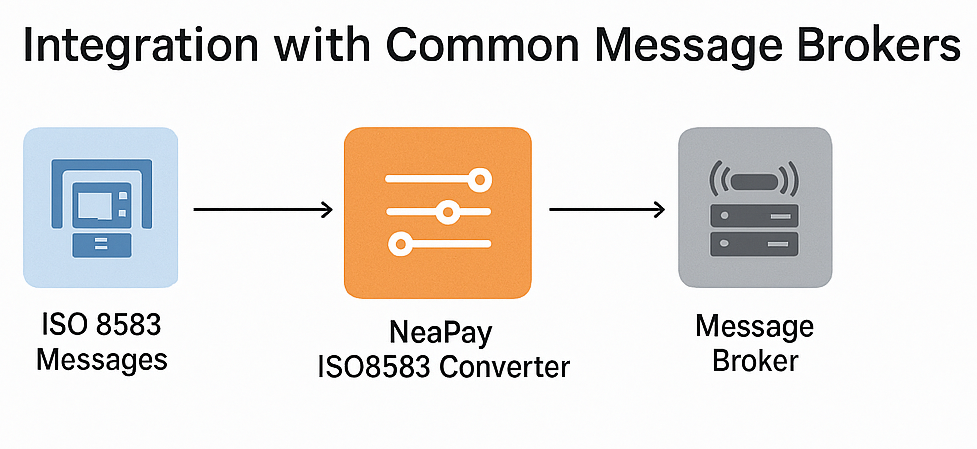
ISO8583 Converter 3633 views
ISO8583 Converter 3826 views
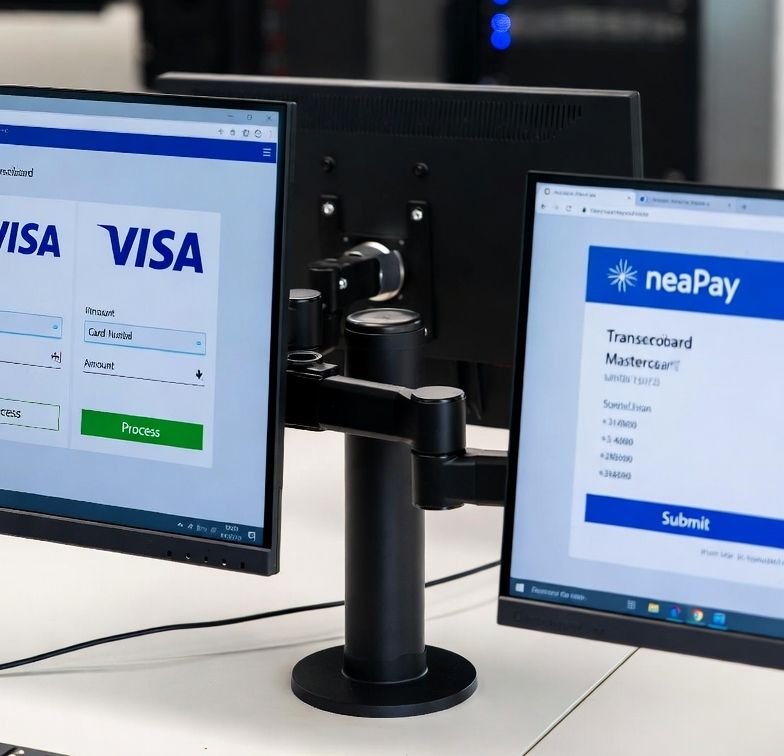
ISO8583 Converter 4871 views
Convert ISO8583 to rest-api JSON XML SQL &more
Integrate ISO8583 card schemes and hosts
Convert and integrate ISO20022 SWIFT MX with MT , ISO8583
Most simple solution to build and parse ISO8583 messages
ISO8583 or REST-api Switch Router Bin Amount
Pre-screen, pre-authorize and Authorize cards and ledger
Acquiring and Aggregating from POS and other devices
Generate and export card data for cards issuing and test
ISO8583 HISO98 HISO87 simulator
ISO20022 & SWIFT simulator
POS protocols simulator
Mobile Banking Testing Simulator
EMV QR Payments Interface Connector
Micropayments Acquiring Connector & Router
Detect Anomalies, Alerts & Notifications
Generate Convert Import
Get a free quote, Ask for details
Get help
Read Documentation and Start guides
Online Tools Overview