ISO8583 Converter 2536 views
A basic simulator gets you to the first transaction. Here is what the project actually needs at every stage — and what you lose when you go live without the right platform.
neaPay Testing Platform is used by national payment switches, card issuers and processors, through all project lifecycle phases, environments, platforms and protocols.
Two questions — instant output. No formulas, no sign-up required.
Platform & operational requirements — each adds engineering scope in-house; all included in neaPay
Your indicative estimate
Ranges only — exact pricing is scoped to your protocols, environments, and SLAs.
Most teams start with a basic simulator. Here is the exact point it runs out.
Connect to the host, send first transactions, validate message format and basic flows.
Pre-configured Visa / MC / Amex test packs, full EMV (PIN, MAC, ARQC/ARPC), certification-ready reporting.
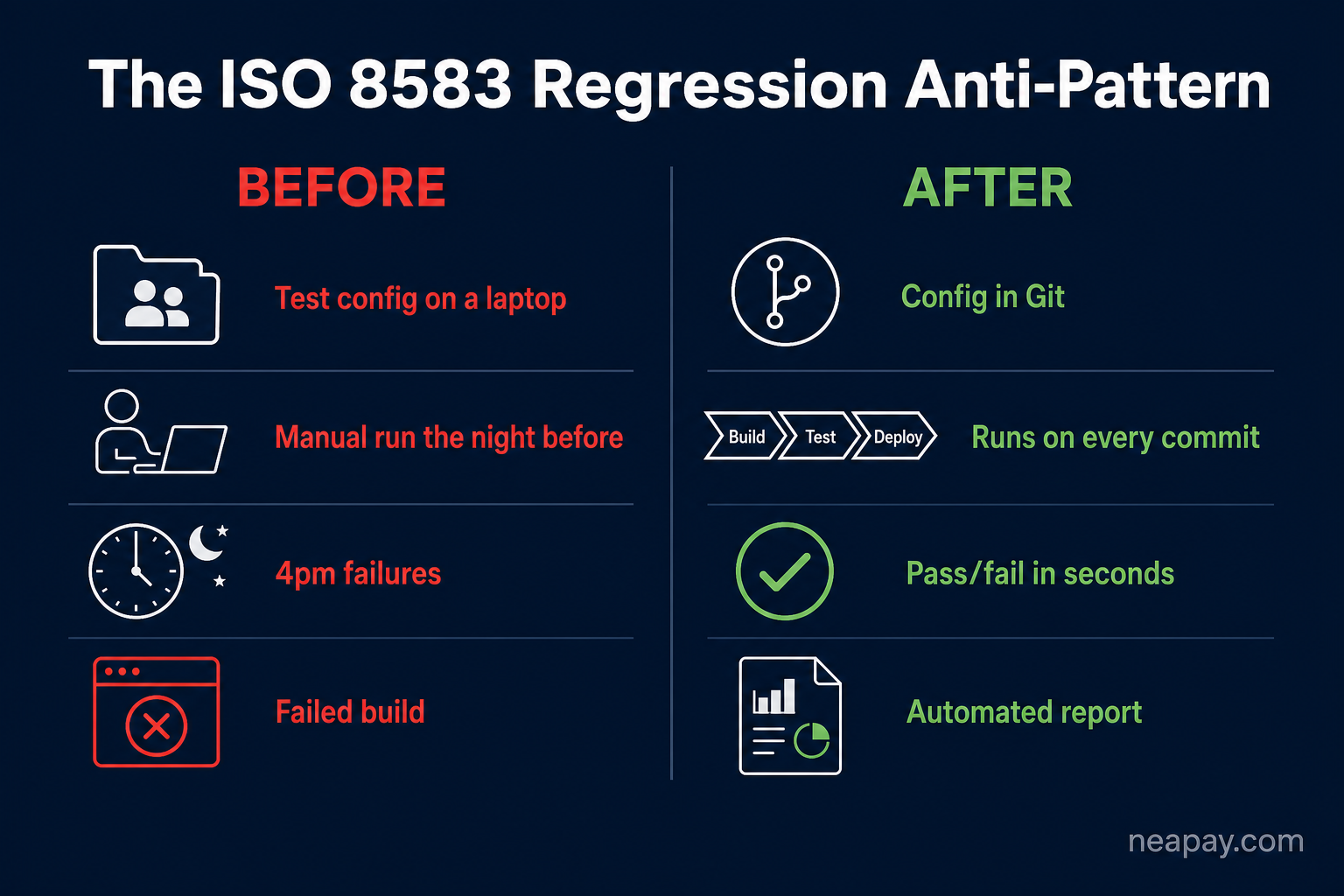
Automated regression on every commit. Git-based config deployed across environments. Azure, AWS, GitHub Actions integration.
Regression baselines, automatic reports, performance validation, scheme updates, and production incidents.
If you used a basic simulator during development, the test work you built during the project is gone when it closes. Here is what that means in practice.
With a basic simulator:
No regression baseline. No saved test scenarios. Every production incident is a fresh investigation starting from nothing. Debug time is measured in days.
With neaPay:
CI/CD catches the regression before it reaches production. If something does reach production, your full test pack reruns in minutes. The report shows the exact field-level diff.
With a basic simulator:
No test pack saved. No performance baseline. No scenario library. You rebuild from documentation or memory. Each scheme update is a new manual testing project.
With neaPay:
Your regression pack was built during development and is version-controlled. Run it against the updated scheme. The report shows the delta versus the pre-go-live baseline.
With a basic simulator:
Test knowledge lives in spreadsheets, undocumented scripts, or the original engineer's head. Long handover. High risk of mistakes on live systems.
With neaPay:
Test scenarios are file-based, Git-versioned, and self-documenting. New engineers run the full regression suite on day one. No tribal knowledge required.
| What you need | Basic / free simulator | neaPay Testing Platform |
|---|---|---|
| Send first transactions, validate message format | Yes | Yes |
| Multiple schemes from one tool (Visa, MC, Amex, JCB, UPI) | Separate build per scheme | Pre-built, configurable |
| Pre-configured Visa / MasterCard / Amex certification packs | Not available | Included |
| Full EMV — PIN, MAC, ARQC/ARPC, issuer scripts | Partial | Full support, HSM-capable |
| Automated regression (pass/fail, field-level diff vs expected) | Manual only | Built-in |
| CI/CD pipeline integration (Azure, AWS, Bitbucket, GitHub Actions) | Separate engineering project | Built-in patterns |
| Performance testing — 1000 TPS, stress ramp, multi-instance | Architecture rework required | High-volume mode included |
| Git-versioned, reusable test scenarios — preserved after go-live | Ad-hoc; lost after project closes | File-based, version-controlled |
| Automatic test reports, analytics, audit trails | Manual export or none | HTML reports, graphs, export |
| Baseline comparison across runs — automatic change detection | No change detection | Field-level diff vs expected |
| Scheduled post-go-live regression (nightly, on-commit) | Nothing preserved after project | Runs on schedule or on-commit |
| Scheme updates — new fields, new formats, spec maintenance | Manual rebuild each time | Owned and maintained by neaPay |
Build path: A basic simulator for one variant can be 6–12 weeks of senior time; production-grade (ATM, POS, schemes, EMV, clearing, regression) is typically 6–12 months. Many teams budget the first and discover they need the second.
neaPay: POC in 1–2 days. MVP in 1 week. Production-grade configuration with regression testing 2–4 weeks; scope stays bounded.
Build path: Senior payment engineers with real implementation experience are often $130k–$160k+ fully loaded, with 3–5 months hiring lag. Juniors cannot substitute for protocol depth.
neaPay: No ISO 8583 expertise required from your team for core framework correctness; configuration and mapping delivered by neaPay engineers.
Build path: Later schemes often cost ~60–80% of the first in incremental engineering; the simulator becomes permanent scope creep.
neaPay: Variants and schemes are configuration and scripts — not a rewrite of parser and mappings per scheme.
Build path: Coverage gaps surface under scheme certification pressure; each cycle slip costs launch weeks and revenue.
neaPay: Pre-built certification-oriented test coverage and reporting; less firefighting during cycles.
Build path: Spec updates, edge cases, and new variants land on whoever built it — often already reassigned.
neaPay: Maintenance, spec updates, and defect ownership stay with neaPay.
Build path: When experts rotate out, teams lose the ability to validate outputs — false confidence.
neaPay: Framework correctness is owned by neaPay; your team runs tests against a maintained baseline.
Build path: Months of senior engineering on testing infrastructure are months not on core product — often larger than salary line items.
neaPay: Engineering capacity returns to product delivery.
We configure your first scenario and run the regression with you — before any commercial commitment. Supported Evaluation at no cost.
ISO8583 Converter 2536 views
ISO8583 Simulator 2547 views
ISO8583 Simulator 2754 views
ISO8583 Converter 2862 views
ISO8583 Simulator 2876 views
ISO8583 Simulator 3203 views
ISO8583 Converter 3505 views
ISO8583 Converter 3527 views
ISO8583 Converter 3608 views
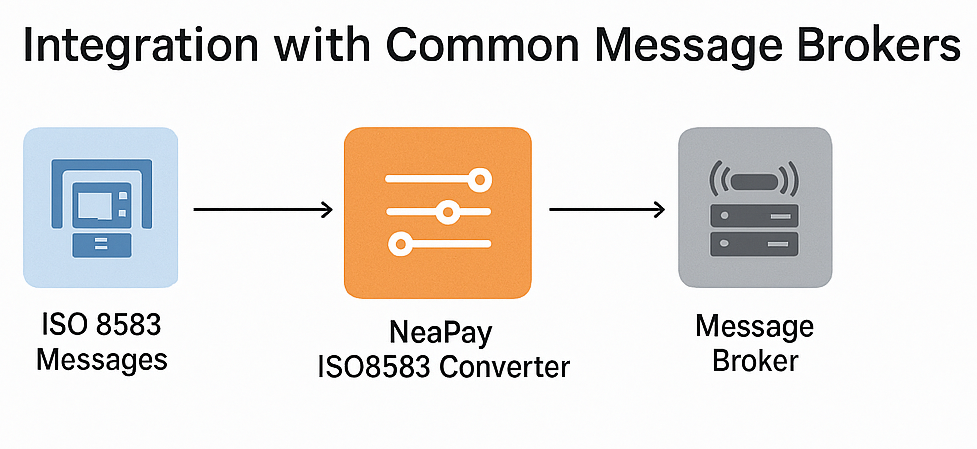
ISO8583 Converter 3632 views
ISO8583 Converter 3825 views
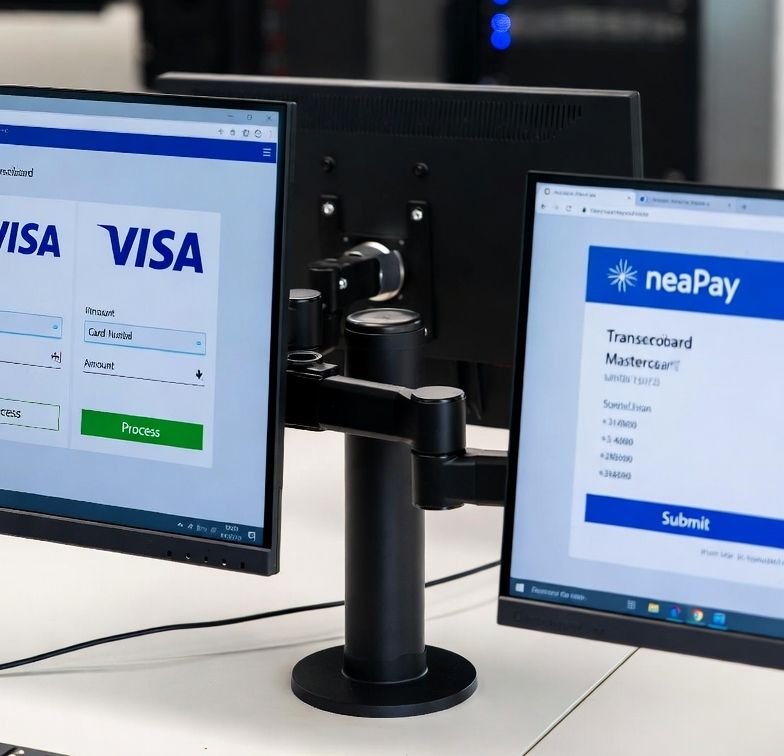
ISO8583 Converter 4871 views
Convert ISO8583 to rest-api JSON XML SQL &more
Integrate ISO8583 card schemes and hosts
Convert and integrate ISO20022 SWIFT MX with MT , ISO8583
Most simple solution to build and parse ISO8583 messages
ISO8583 or REST-api Switch Router Bin Amount
Pre-screen, pre-authorize and Authorize cards and ledger
Acquiring and Aggregating from POS and other devices
Generate and export card data for cards issuing and test
ISO8583 HISO98 HISO87 simulator
ISO20022 & SWIFT simulator
POS protocols simulator
Mobile Banking Testing Simulator
EMV QR Payments Interface Connector
Micropayments Acquiring Connector & Router
Detect Anomalies, Alerts & Notifications
Generate Convert Import
Get a free quote, Ask for details
Get help
Read Documentation and Start guides
Online Tools Overview