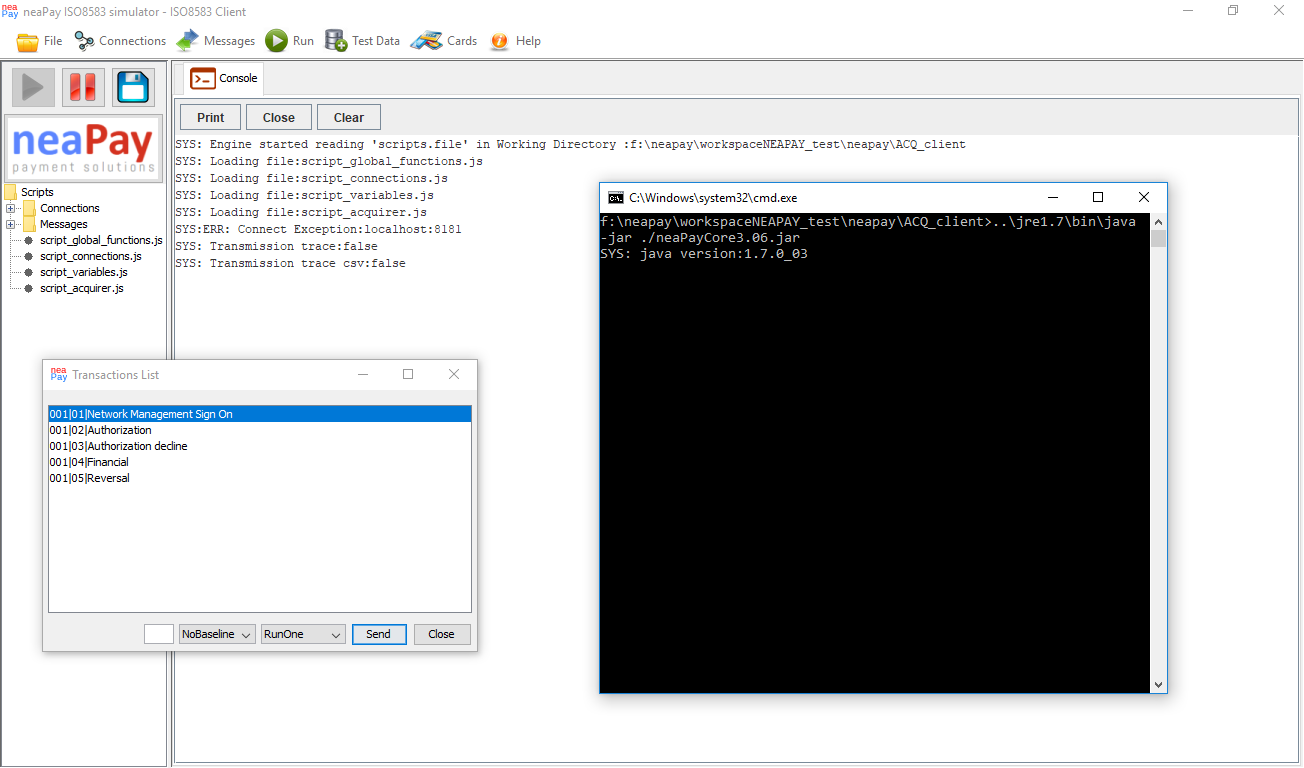
Instructions how to check for the correct java version, To deploy and Run the required java version
The products fron neaPay require Oracle Java 8, which needs to be available (installed) in your system. Download java from the offical website here: https://java.com/en/download/
To test if you have Oracle java 8 , open windows command or a shell window and type
java -version
Expect an output like
java version "1.8.0_xxx"
If you do not have it, you can install java on your system or download below a version already packed with java, for Windows.
OpenJDK is also supported, up to version 14 !!!
Reccommended openjdk is version 8
If your output is like
openjdk version "18.0.0" - DOES NOT WORK!!
OpenJDK 15 to 18 and beyond will not work because of removed libraries !
Oracle java download
https://www.oracle.com/java/technologies/javase-jre8-downloads.html
https://www.oracle.com/java/technologies/javase/javase7-archive-downloads.html
Openjdk download
https://www.openlogic.com/openjdk-downloads?field_java_parent_version_target_id=416
Download tested Windows java versions here from the neapay website:
https://neapay.com/delivery/jre1.7.zip
https://neapay.com/delivery/jre1.8.zip