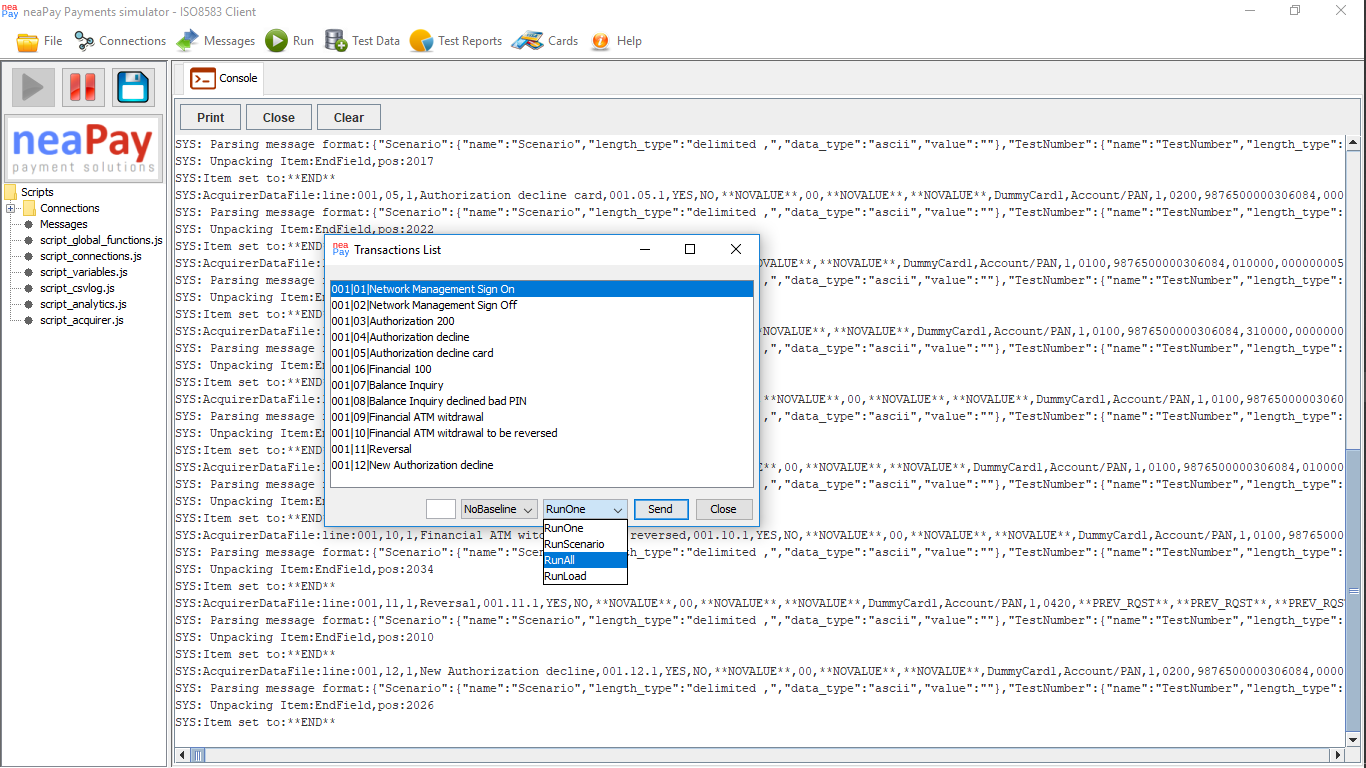
The neaPay Payments simulator is designed from the start to follow the life of a project, and therefore, after all testing has been completed, we need to turn over to BAU the easy to use, easy to assess, regression test. 1-click easy.
Once execution is complete, which may take several minutes for regressions with hundreds of test cases, you can analyze the reports. The Console is the main source of reports
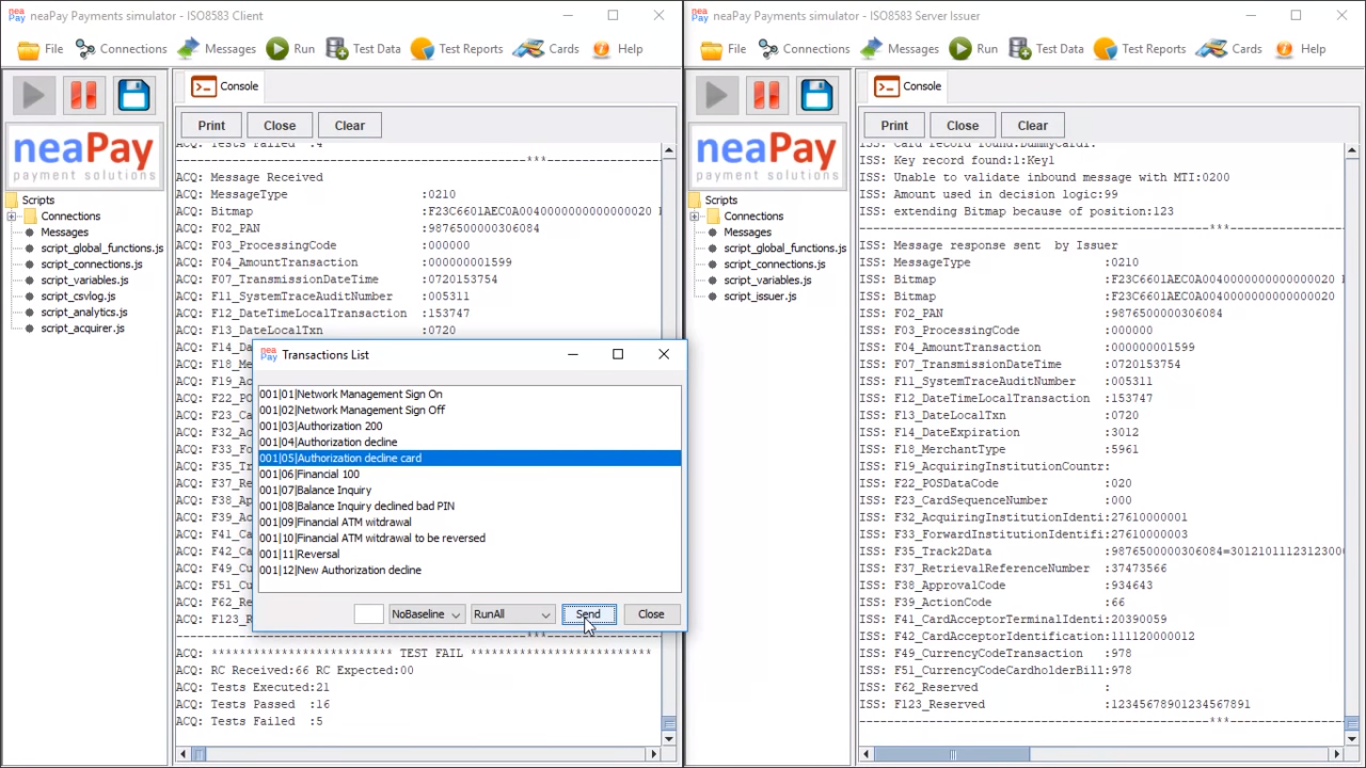
The console output is controllable via Javascript functions.
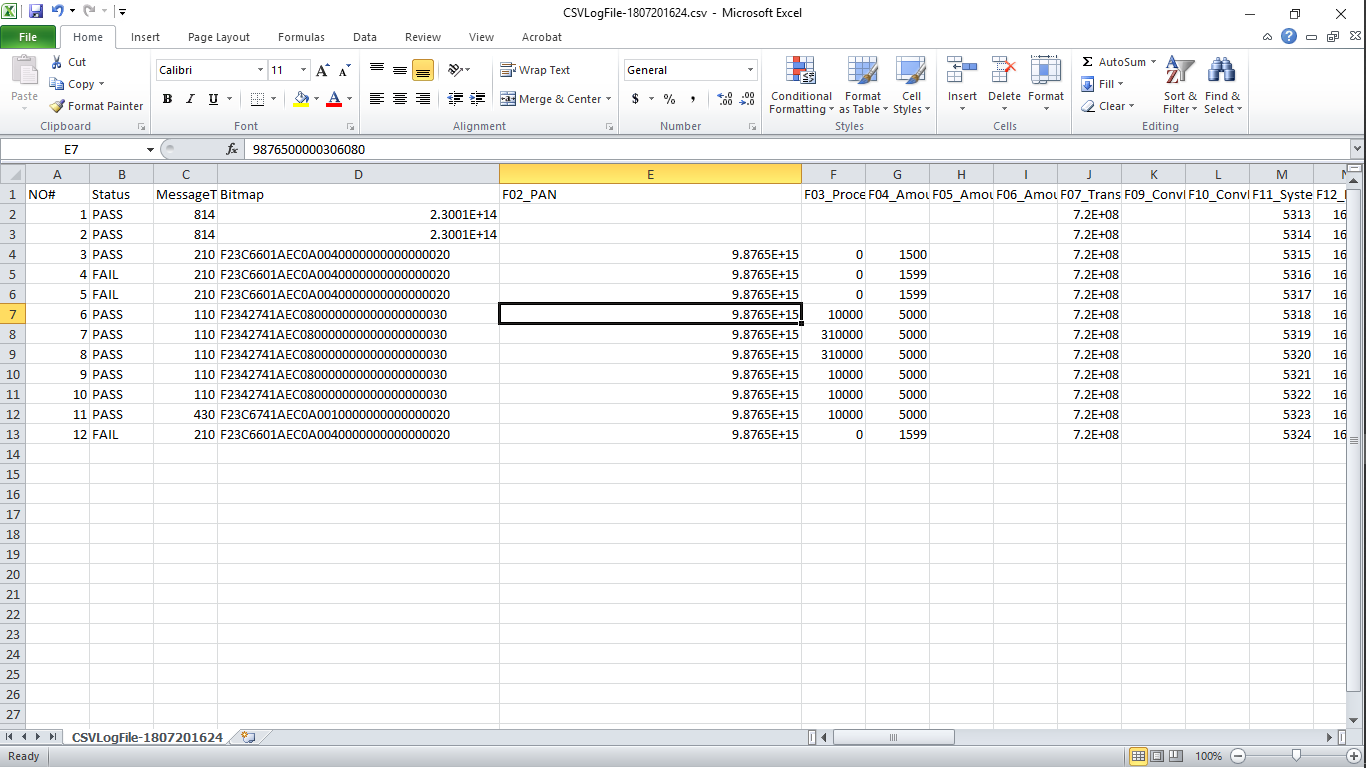
But more than that, you can output results to any form of channel, like another TCP connection, an SQL connection, or just files, like HTTP or CSV files, as below.
CSV output to CSV file.
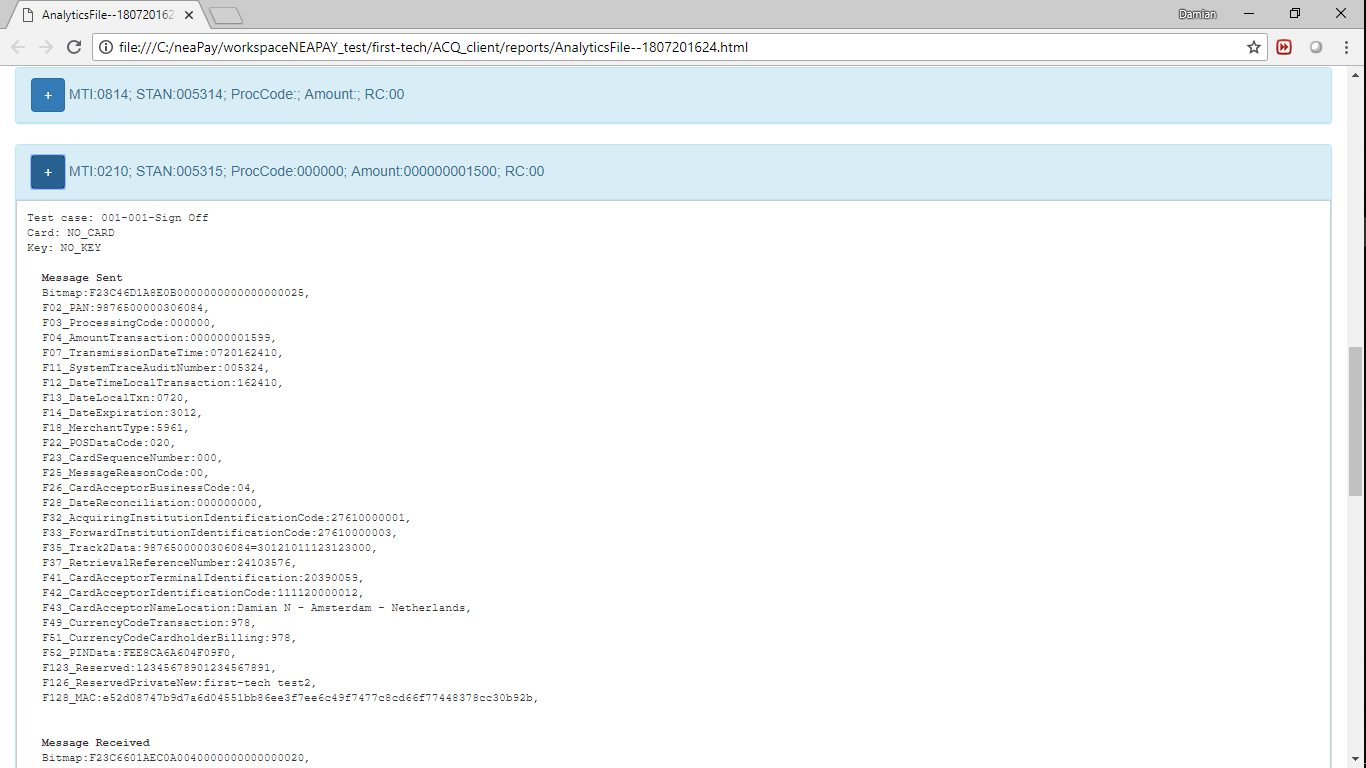
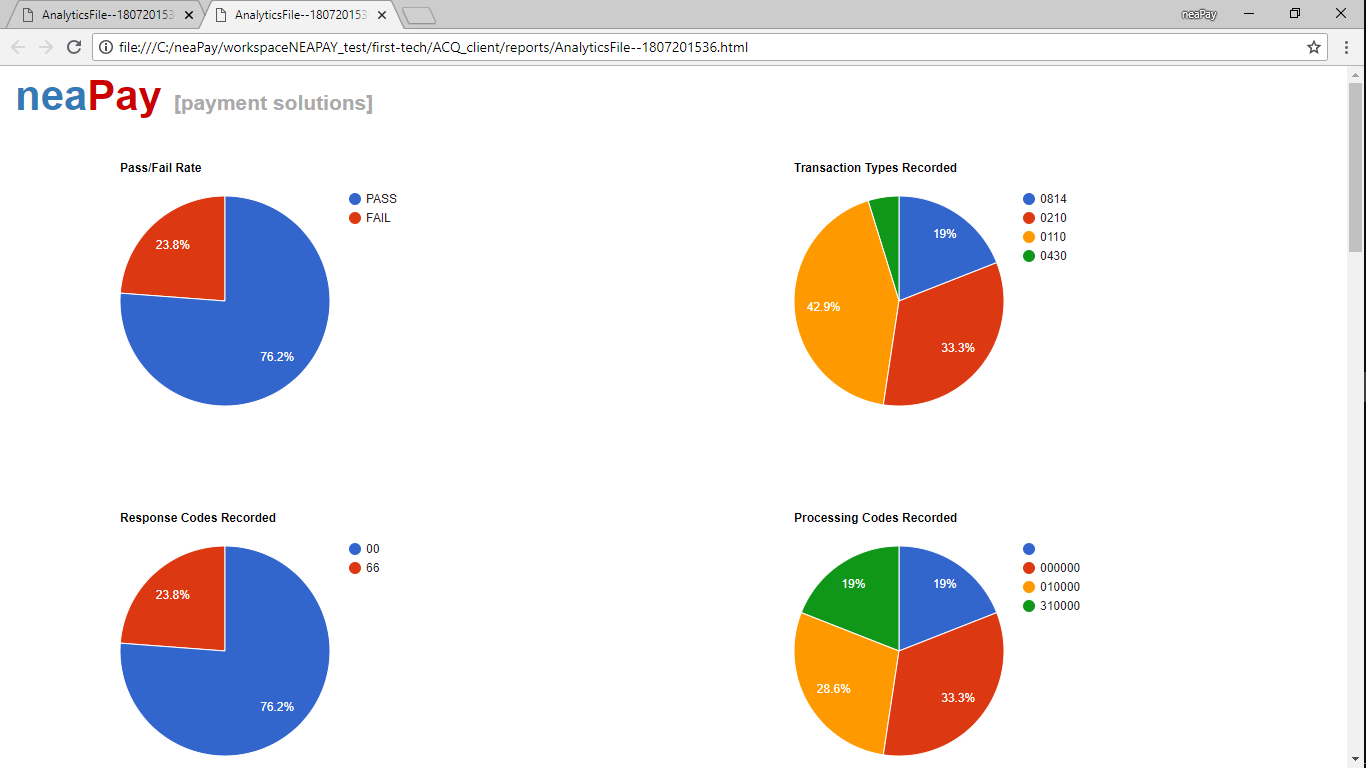
ISO8583 output to formatted analytics HTML file. For beautiful reports, ready for presentations!

The quick view graphs are at the top of the report, but more details are available, for further analysis